


Digital Pattern Making
About Course
The program consists of 7 sessions, designed to be completed within a duration of one month. Sessions will be held twice a week or thrice a week, depending on your availability.
Outcome:
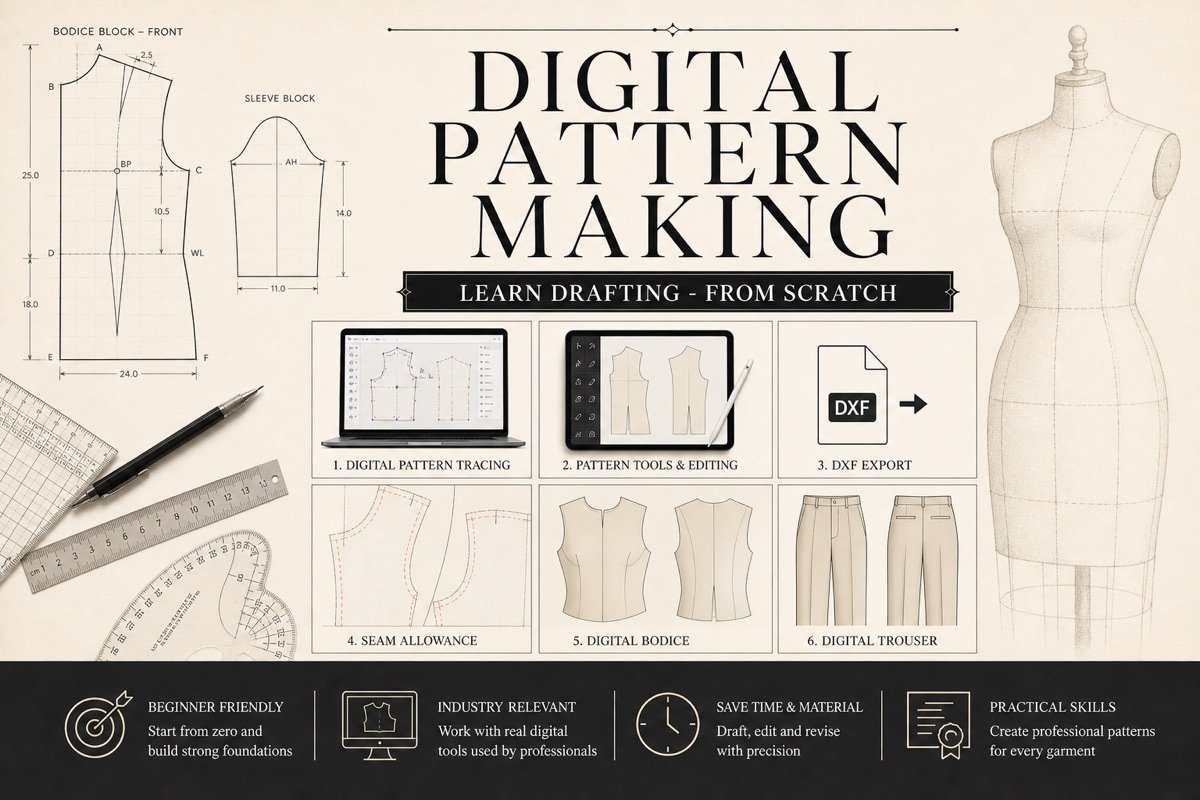
By the end of the Digital Pattern Making course, students will be proficient in setting up an efficient digital workspace and mastering the essential tools for pattern creation. They will learn to import existing patterns, perform precise manipulations, and measure patterns accurately. Additionally, students will gain skills in adding points and numbers for detailed design work, tracing patterns, and incorporating seam allowances to create complete, professional-grade patterns. They will also be able to export pattern files in various formats and utilize keyboard shortcuts to streamline their workflow, ensuring they can handle digital pattern making with confidence and efficiency.
Session Plan
Session 1: Setting Up the Workspace
-
Create a new document for pattern making
-
Add a left-hand toolbar specific to pattern making
-
Add a right-hand toolbar specific to pattern making
-
Create a custom workspace for pattern making
-
Manage and remove workspaces